Maximale ordergrootte verbeterd | Plaats zoveel mogelijk met minder mislukte pogingen
Productupdate
Toegang en bediening
Enter the futures trading page and select the contract, direction, and order type.
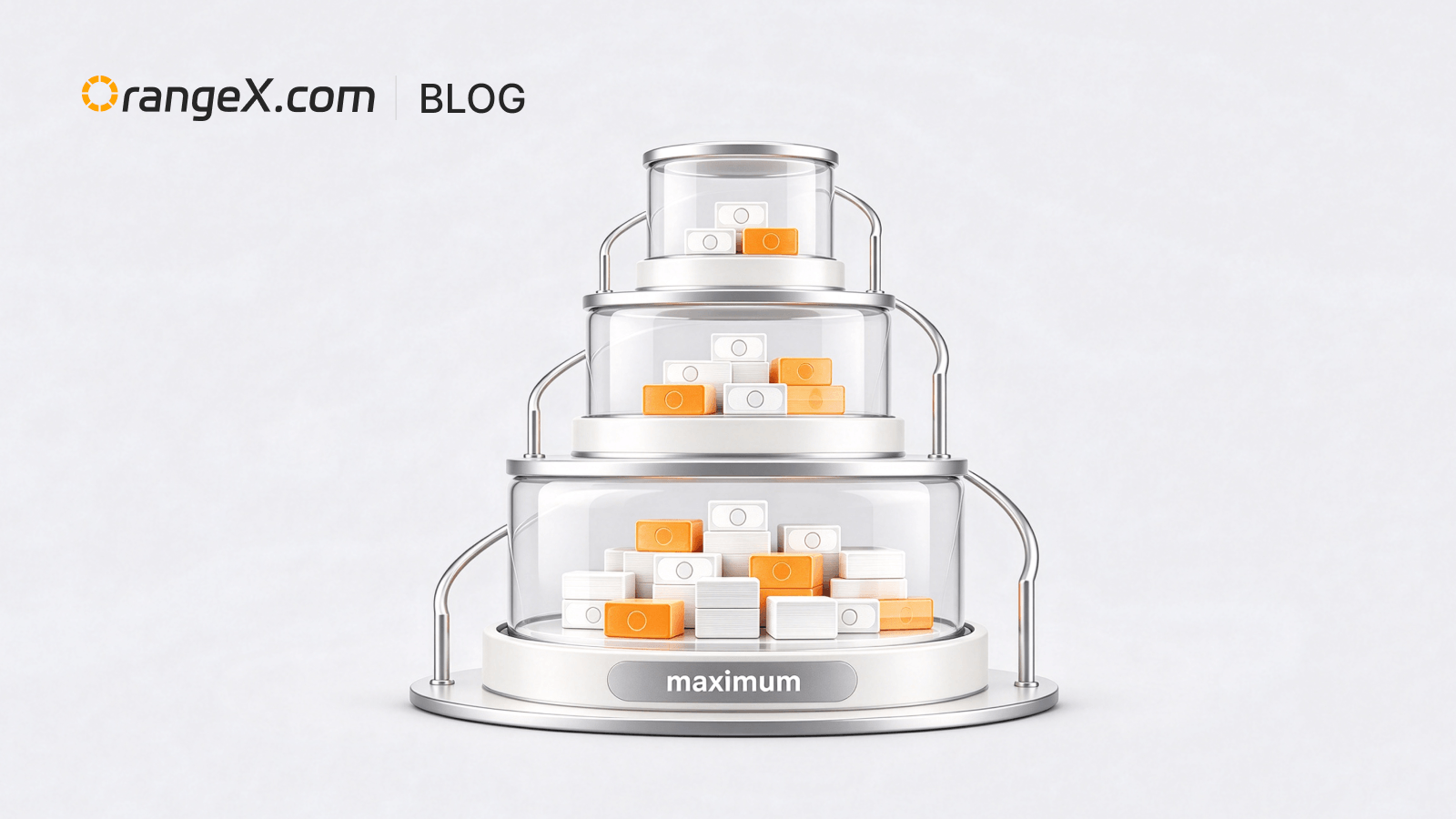
Enter a quantity in the quantity field, or use the “Maximum” order option provided on the page. The system calculates the maximum quantity that can currently be submitted; review and submit the order.
Functiebeschrijving
The system considers quantity precision, minimum order quantity, position size, margin, risk limits, position direction, order type, and other conditions. For limit, conditional, and other orders that may wait for execution, use the final order status and the actual result in the order details.
Gebruiksinformatie
- The maximum quantity changes with price, available margin, existing positions, leverage tier, risk limits, and order status.
- The system will not bypass minimum order quantity, quantity precision, position limits, or Reduce Only rules.
- If the quantity is below the minimum order quantity, the order cannot be submitted.