How to Place Your First Spot Trade on OrangeX.com
A spot order exchanges one asset for another when it fills. Before placing a first order, make sure you understand the selected pair, the amount being spent and the difference between an open order and a completed trade. This walkthrough explains the checks; it is not a recommendation to buy a particular asset.
1. Open the correct market
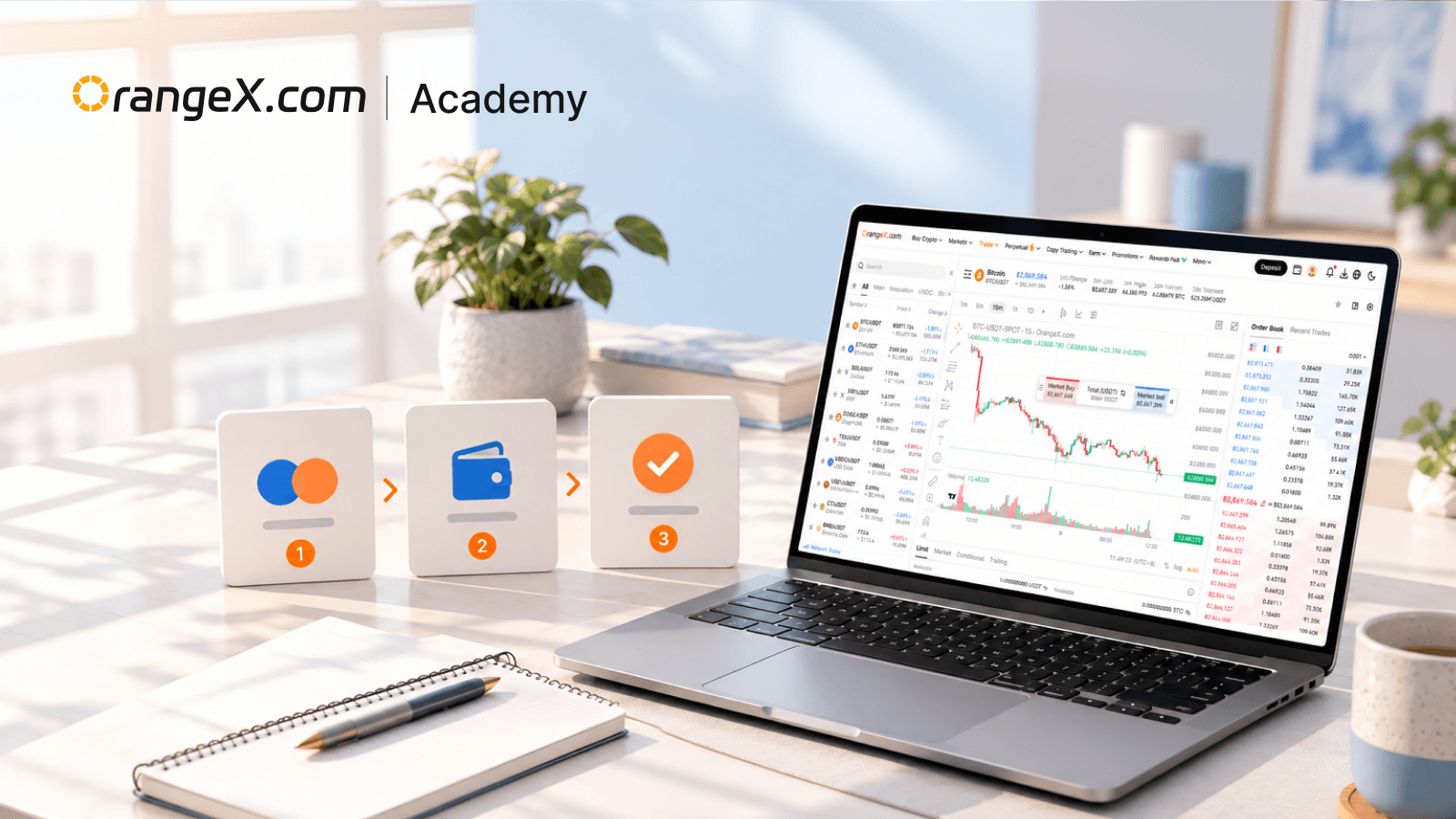
Start from OrangeX.com and enter Trade → Spot. Confirm that the page is the spot market rather than a perpetual contract or another product. Select the intended trading pair and check which assets you already hold.
The official OrangeX.com spot guide describes selecting a pair, choosing Market or Limit and reviewing order information. Available controls and account requirements can change, so follow the current interface.
In BTC/USDT, a buy instruction spends USDT to acquire BTC; a sell instruction exchanges BTC for USDT. Read the unit next to each amount field.
2. Check available balance and order size
Confirm that the relevant assets are available in the spot account. Funds reserved for open orders may not be available for another order. If the interface offers an internal transfer between account sections, distinguish that operation from sending assets over a blockchain.
Write the intended trade in plain language before entering numbers. For example: “I intend to spend approximately 100 USDT, before costs, rather than buy 100 BTC.” This check is especially useful when switching between a quantity field and a spending-value field.
Respect the displayed minimum order value and quantity increments. If an order is rejected, read the reason before trying a larger amount.
3. Choose the price condition
A market order trades against available liquidity and may fill at more than one price. A limit buy sets a maximum acceptable price; a limit sell sets a minimum. Price control does not guarantee a full fill.
These concepts are described in Investor.gov's order-type guide. Use the actual OrangeX.com controls and rules for the selected market.
For a hypothetical buy limit of 0.002 BTC at 50,000 USDT per BTC, the maximum gross purchase value is 100 USDT before fees. If only 0.001 BTC is available at an eligible price, the order may fill only that portion. What happens to the remainder depends on its order conditions.
This example uses invented prices and is not a suggested trade.
4. Review before submitting
Read back the pair, buy or sell direction, order type, quantity, price condition and estimated total. Compare the result with your intended spending amount. Review the current fee information and any confirmation messages.
A market price can change while the order form is open. A displayed estimate is therefore not the same as a completed execution. Avoid repeatedly pressing the order button if a response appears slow; first check whether the initial instruction was accepted.
You can inspect the BTC/USDT spot market without treating the pair's presence as an instruction to trade it.
5. Verify the outcome, not just the button click
Open Orders concerns orders that still have an unfilled portion. Trade History records executions and can show the pair, side, executed price, filled quantity, time and fee. OrangeX.com's trade-history guide explains where these records are available on web and app.
Suppose an order for 0.002 BTC fills 0.001 BTC at 49,900 and 0.001 BTC at 50,000. The gross cost is 99.90 USDT, and the weighted average execution price is 49,950 USDT per BTC. Fees can change the final balances.
If only the first portion fills and you cancel the remainder, the completed 0.001 BTC purchase is not undone. Cancellation concerns the unfilled part, subject to the platform's acceptance and any fills that occur before it takes effect.
Common questions
Why is my order visible but my full balance has not changed?
It may still be open or partly filled. Check filled quantity and execution records.
Does canceling an order reverse completed trades?
No. Already executed portions remain completed trades.
Can I use the same instructions for perpetual futures?
No. Perpetuals involve contract exposure, margin and liquidation mechanics that differ from ordinary spot exchange.
Keep records of the final quantities and costs, and review related concepts in OrangeX.com Academy. Buying a spot asset still involves market and custody risk.