How to Verify an OrangeX.com Support Message Before You Act
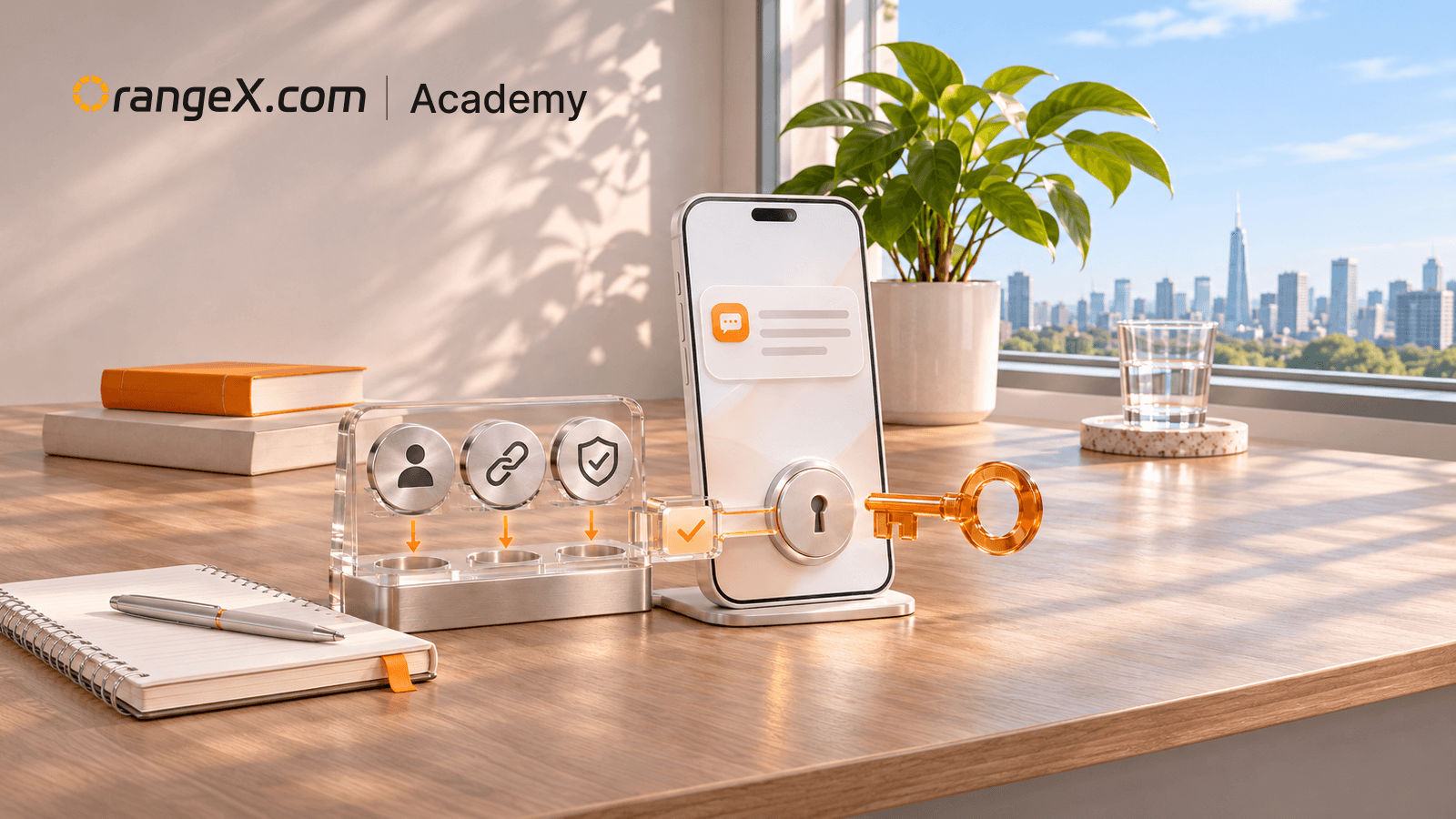
When someone claims to be OrangeX.com support, open the official site independently and check the sender before taking action. Use the full handle, email address, or phone number. If the result is unclear, open a separate support conversation and ask whether the request is genuine.
Check where the message is taking you
A display name, logo, or profile photo can be copied. A familiar-looking sign-in page can also sit on a different domain. Open the OrangeX.com Trust Center from an address you enter yourself or a trusted bookmark. Keep the message open separately if you need to record its details.
Verify the full sender information
As checked on November 13, 2026, the official channel verification tool accepts information such as an email address, phone number, or social account identifier. Copy the full identifier from the sender's profile. If the result is inconclusive, use the official customer support page and ask about the message from that new conversation.
Example: A message about a pending deposit
Suppose someone contacts you about a pending deposit and asks for a one-time code to release it. Keep the code private. In a separate official support session, explain that you received the message and provide the sender's handle and the time it arrived. Share a screenshot only after hiding account details and codes. If you already shared a credential, tell support what type of information you shared so they can help you secure the account.
Frequently asked questions
What if the sender passes the verification check?
A match helps establish that the identifier is listed. Confirm any unexpected account or payment request in a separate official support conversation before acting.
What should I keep private?
Keep passwords, one-time codes, recovery phrases, and private keys private. Pause if a message asks you to transfer funds or give someone remote access to your device.