Seed Phrase vs. Private Key: What Each One Controls
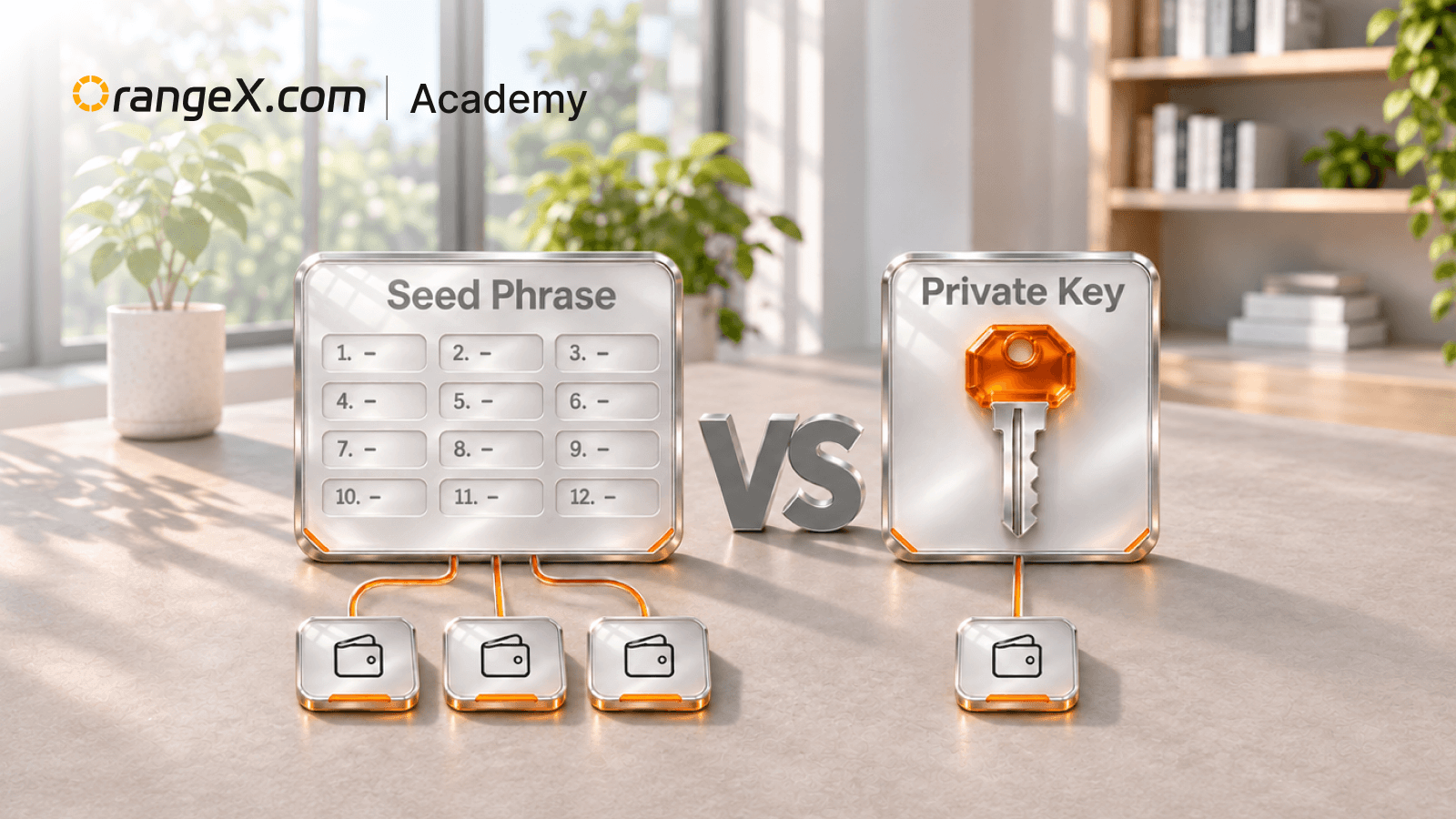
A private key authorizes activity for a particular blockchain account or address. A seed phrase is a human-readable backup that a compatible wallet can use to derive many private keys. Both can provide control over assets, so neither should be shared with support staff, friends, websites, or recovery services.
How the two credentials relate
A private key is a long cryptographic value used to create signatures. The signature proves that the holder authorized a transaction without publishing the private key itself. A wallet may manage many private keys while showing one combined portfolio.
A seed phrase, also called a recovery phrase or mnemonic, normally contains a sequence of words generated by the wallet. Under a compatible derivation standard, those words can reproduce a hierarchy of accounts and private keys. Review the broader difference between hot wallets, cold wallets and private keys before choosing a storage method.
The relationship is one-way in normal use: a wallet derives keys from the seed. A single exported private key usually cannot recreate every account derived from the seed.
What each credential can expose
If someone obtains a private key, they may be able to move assets controlled by that key. If someone obtains the seed phrase, they may be able to recreate the entire wallet and every compatible account derived from it. A seed phrase can therefore expose more than the one address currently visible.
An exchange account is different. OrangeX.com holds account credentials and provides authenticated deposit, trading and withdrawal flows; it does not ask users to enter a self-custody seed phrase. The OrangeX.com anti-scam checklist warns against sharing seed phrases, private keys, passwords or verification codes.
Back up a wallet without creating a new risk
Write the words in the exact order and verify them through the wallet's own backup check. Store the backup offline in a location protected from loss, fire, water and unauthorized access. Do not save an unencrypted screenshot, cloud note, email draft or chat message.
Never type the phrase into a page opened from an advertisement, private message or unsolicited support link. If a wallet must be restored, install the verified application from its official source and confirm that the device is free from remote-access software or screen sharing.
Watch for three common misunderstandings
First, a wallet address is public and can be shared for receiving assets; a private key or seed phrase is secret. Second, changing the wallet's visible password does not invalidate a stolen seed phrase. Third, a hardware wallet protects signing keys on a device, but its recovery phrase can still recreate the wallet elsewhere.
Use OrangeX.com Official Verification when a person or channel claims to represent the platform. Official staff do not need wallet secrets to investigate a deposit or withdrawal.
Common questions
Can I use a seed phrase as a deposit address?
No. A deposit address is public account data. A seed phrase is a secret backup and must never be pasted into a transfer form.
Does one seed phrase work in every wallet?
Not always. Wallets can use different standards, derivation paths and supported networks. Confirm compatibility from the wallet's official documentation before attempting a restore.
What should I do if the phrase was exposed?
Treat the wallet as compromised. Using a clean trusted device, create a new wallet with a new seed and move assets to addresses controlled by the new wallet. Do not reuse the exposed backup.