Spot Take Profit & Stop Loss Live | Set an Exit Plan in Advance When Placing Orders
Product Update
Entry and operation
On the spot trading page, select the buy direction → select a market or limit order → check “Take Profit and Stop Loss” in the order area → enter the take-profit trigger price, stop-loss trigger price, or only one of them → submit the order.
Feature description
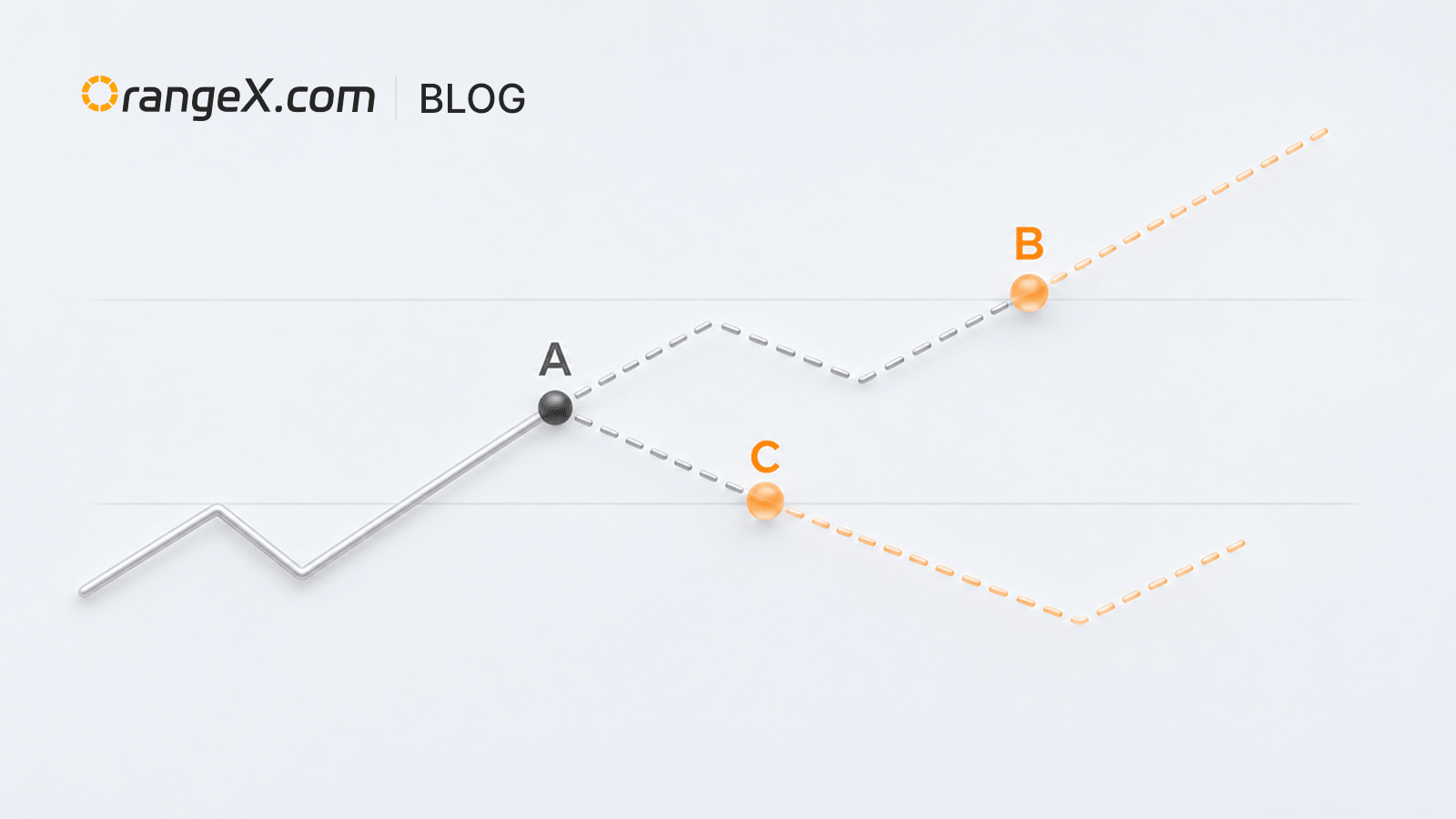
The take-profit and stop-loss strategy becomes active only after the main order is fully filled and the assets are confirmed. When a trigger condition is met, the system executes a spot market sell. You can check the status and execution result in current orders, order history, or trade history.
Usage notes
- The strategy does not execute early when the main order is partially filled or incomplete.
- When both take profit and stop loss are set, they are mutually exclusive: once one is triggered, the other becomes invalid.
- The final execution price and quantity are subject to actual market execution.