Live na ang mga Sub-Position sa Isolated Margin | Pamahalaan nang hiwalay ang iba’t ibang strategy
Update ng Produkto

Pag-access at operasyon
Enter the futures trading page → Select the “Isolated” margin mode → Select “Hedge Mode” in position mode settings → Select “Position Splitting” → Place orders separately.
After opening a position, click the corresponding split position in the position list to adjust leverage, set or edit take-profit and stop-loss, or close the position separately.
Paglalarawan ng feature
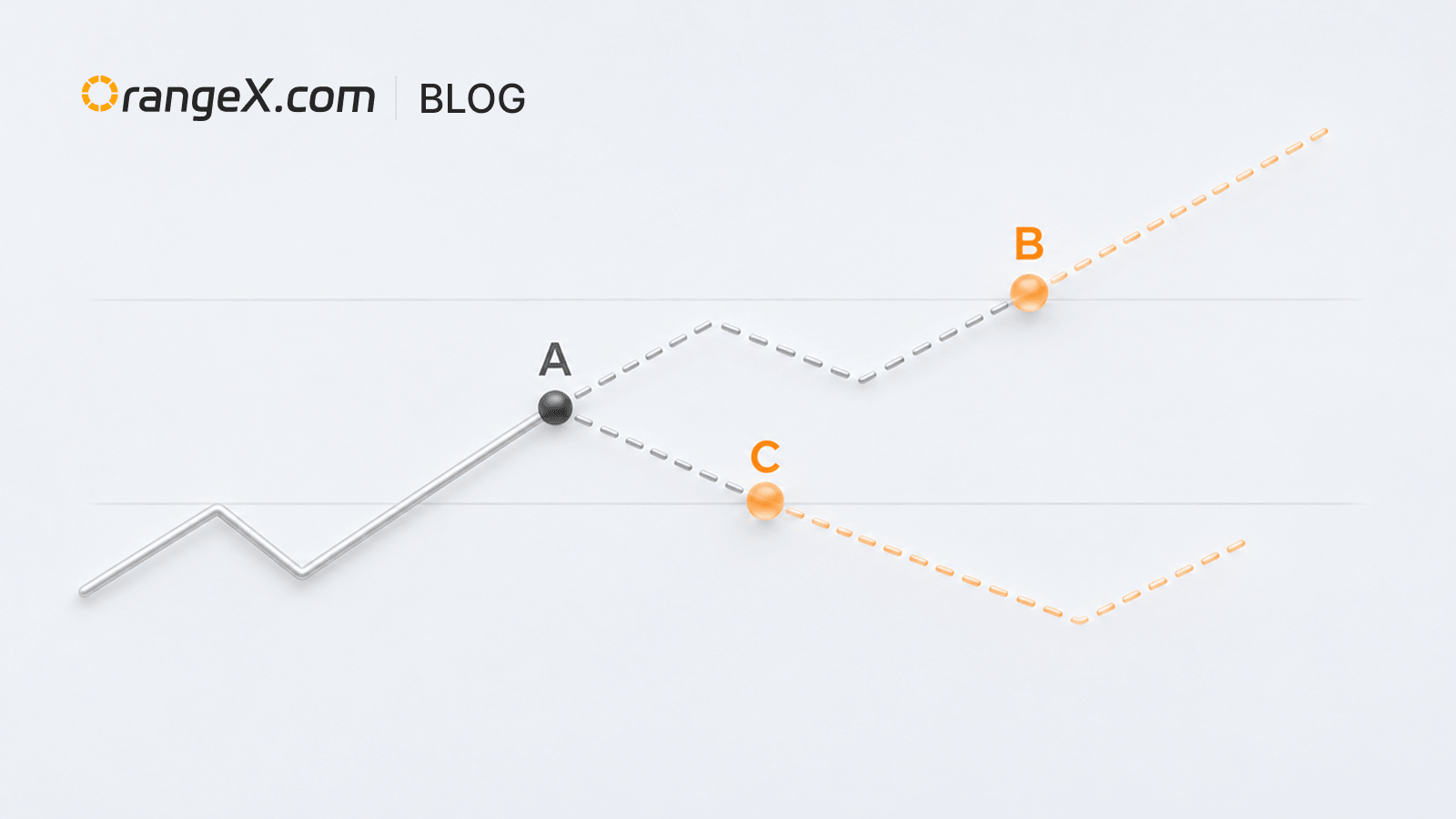
Manage positions for different strategies separately, and view their cost, PnL, and risk information independently to reduce interaction between strategies.
Mga tala sa paggamit
- Available only with isolated margin and hedge mode.
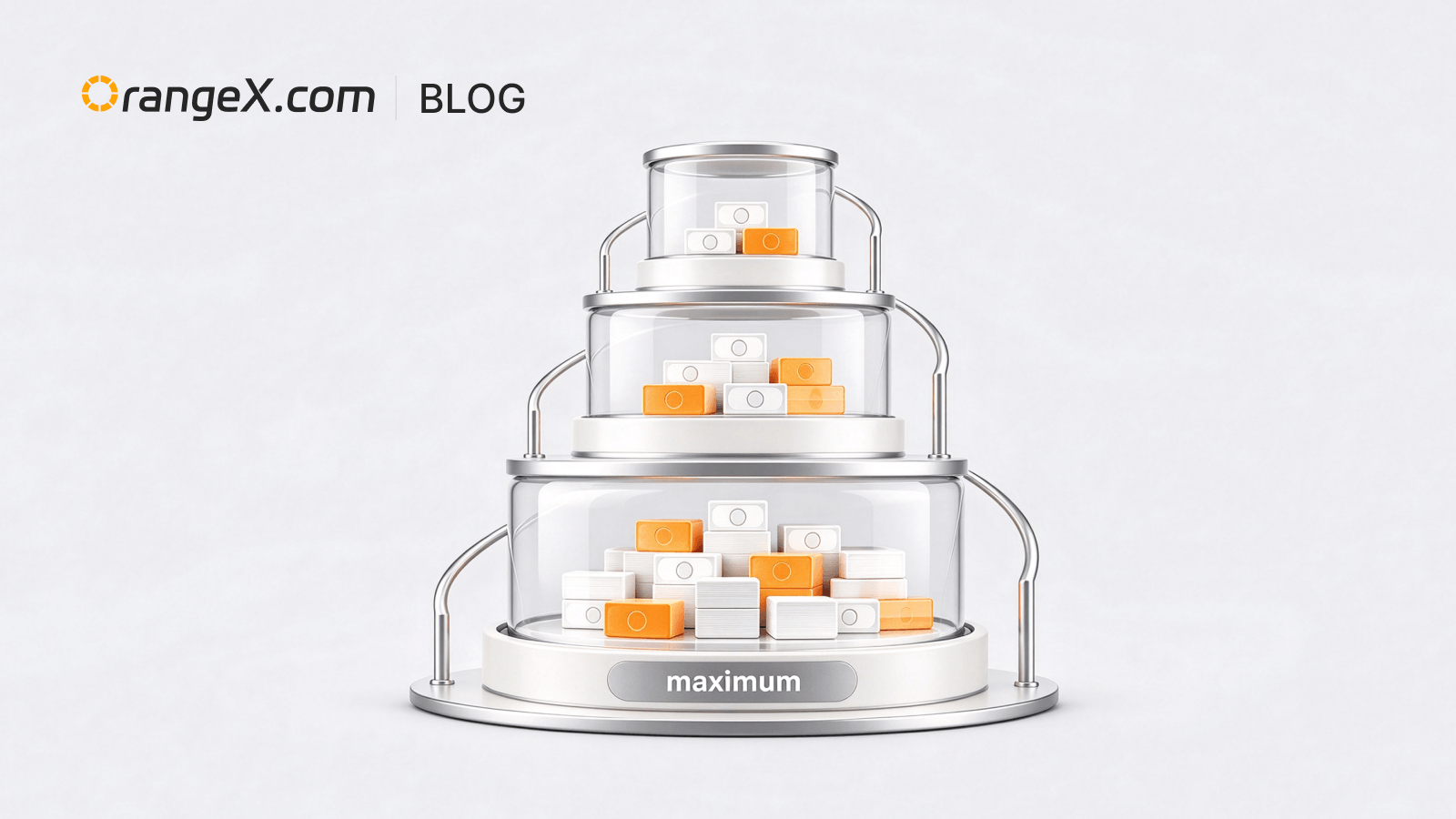
- Each contract supports up to 20 split positions, with up to 10 in the same direction.
- Some position-mode settings cannot be changed when positions or unfinished orders exist. Follow the page prompts.