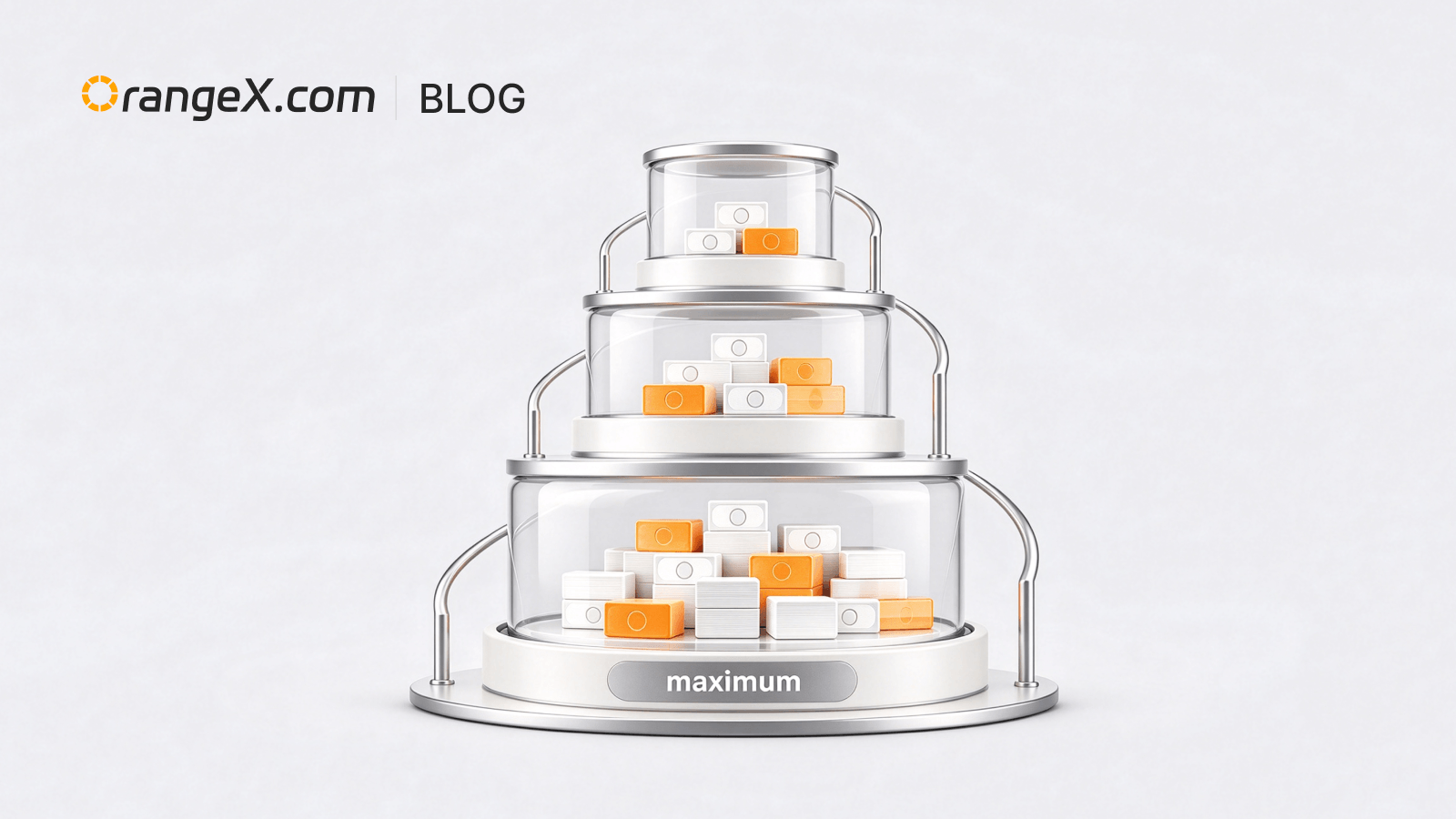
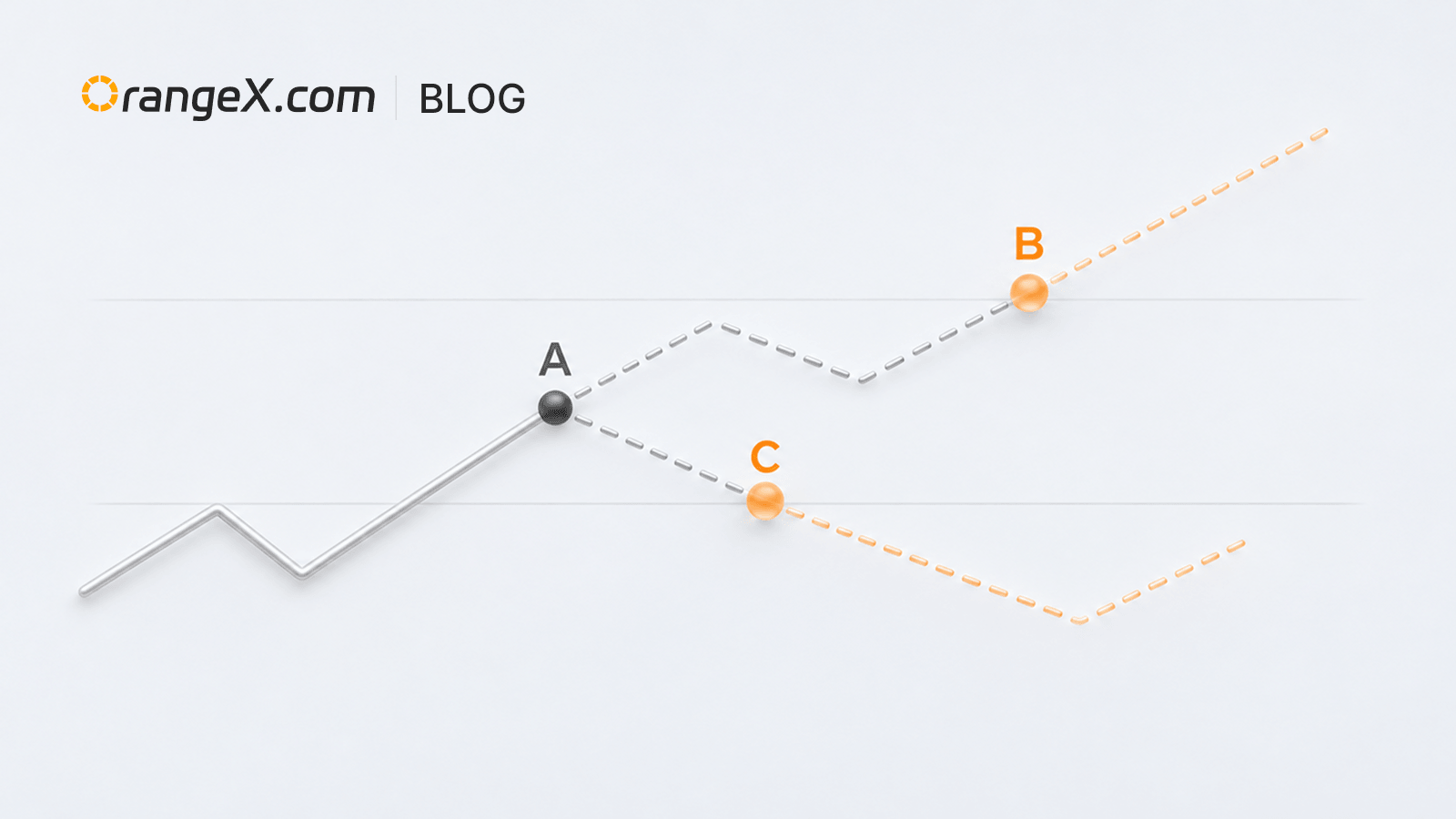
Sotto-posizioni in margine isolato | Gestisci le strategie separatamente
Aggiornamento del prodotto

Accesso e operazioni
Enter the futures trading page → Select the “Isolated” margin mode → Select “Hedge Mode” in position mode settings → Select “Position Splitting” → Place orders separately.
After opening a position, click the corresponding split position in the position list to adjust leverage, set or edit take-profit and stop-loss, or close the position separately.
Descrizione della funzione
Manage positions for different strategies separately, and view their cost, PnL, and risk information independently to reduce interaction between strategies.
Note d’uso
- Available only with isolated margin and hedge mode.
- Each contract supports up to 20 split positions, with up to 10 in the same direction.
- Some position-mode settings cannot be changed when positions or unfinished orders exist. Follow the page prompts.