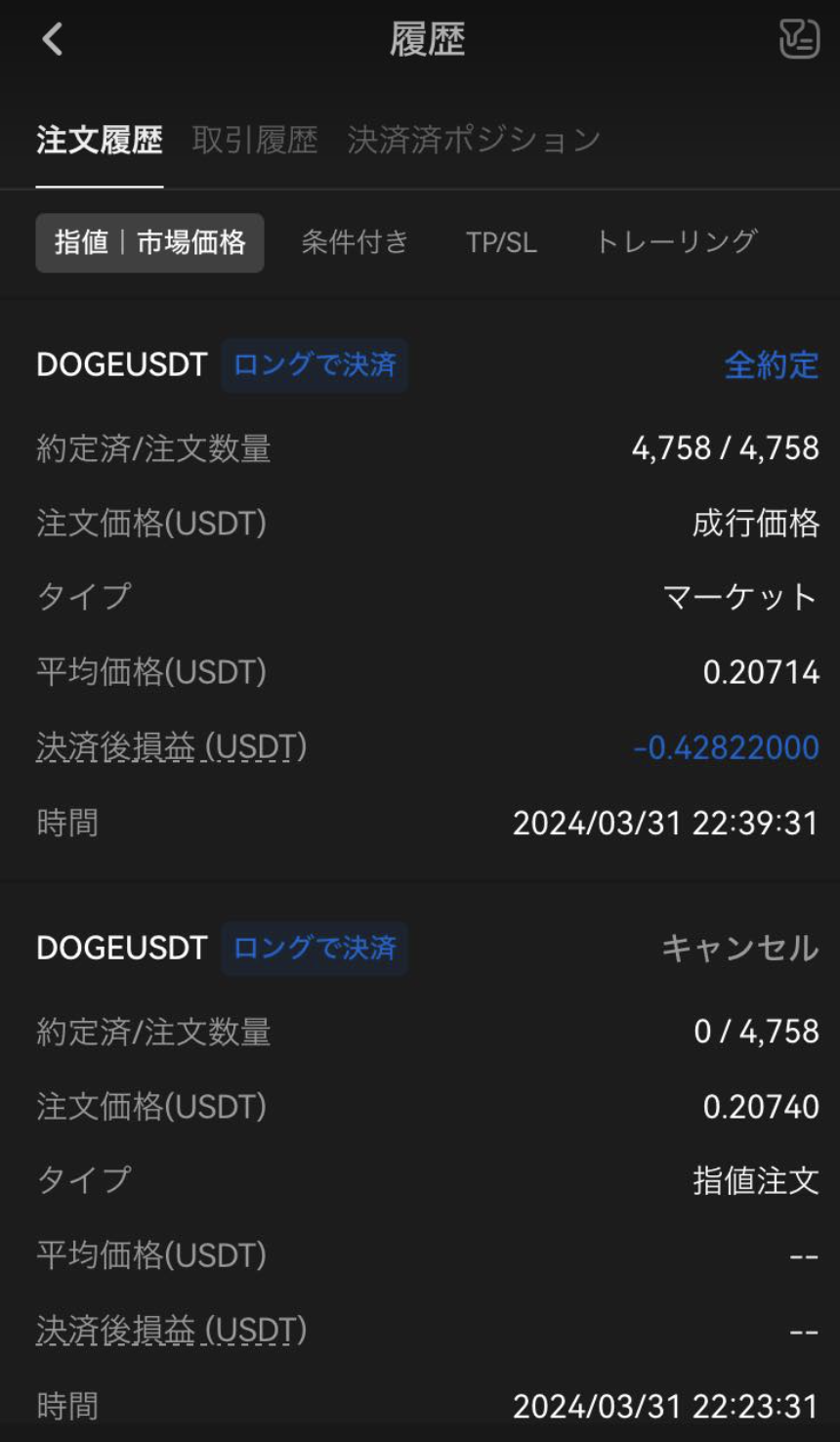
OrangeX.com allows you to display various transaction history on the chart.
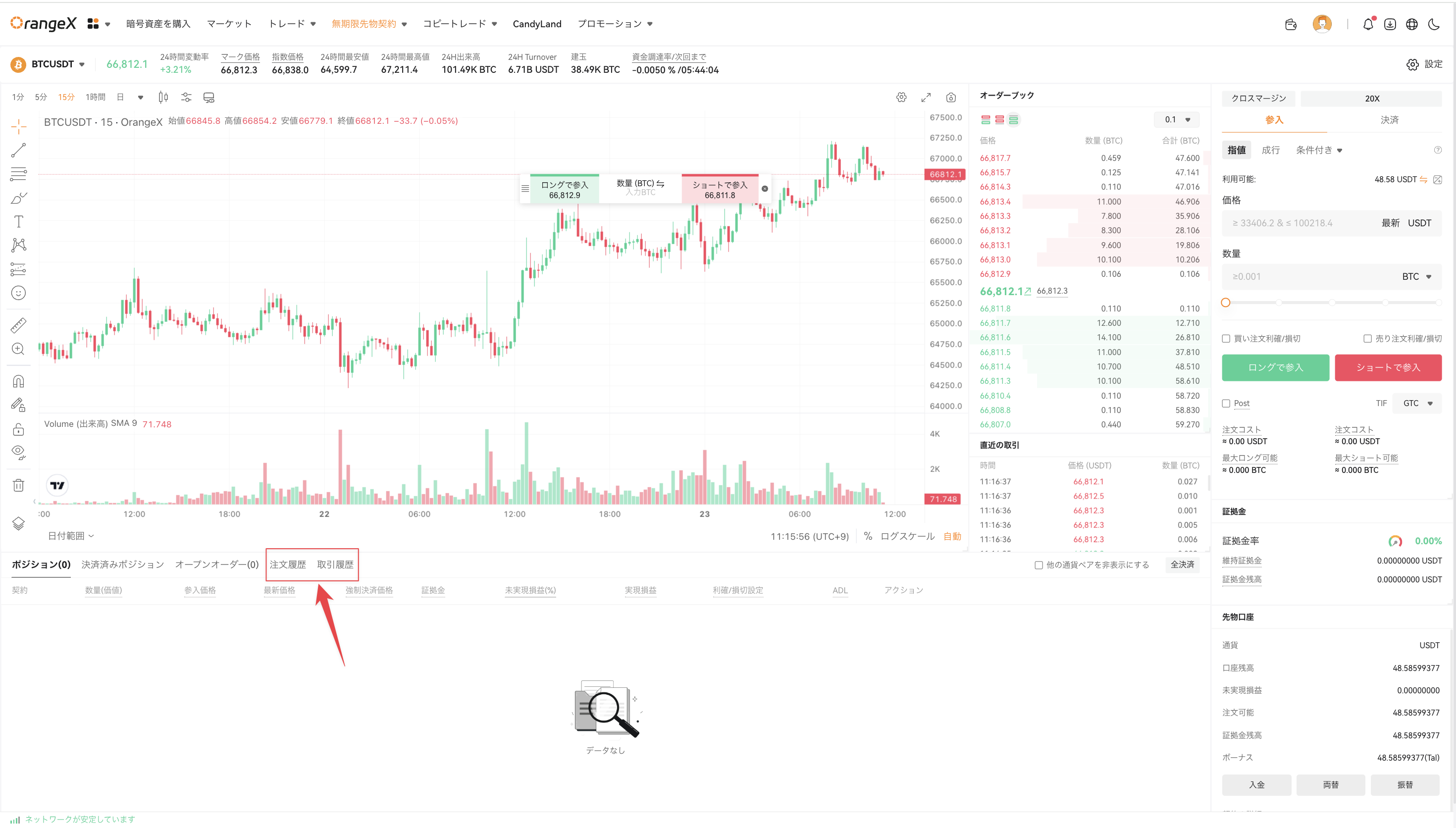
How to set up on the website
Please press the "Trade History" or "Order history" button below the chart.
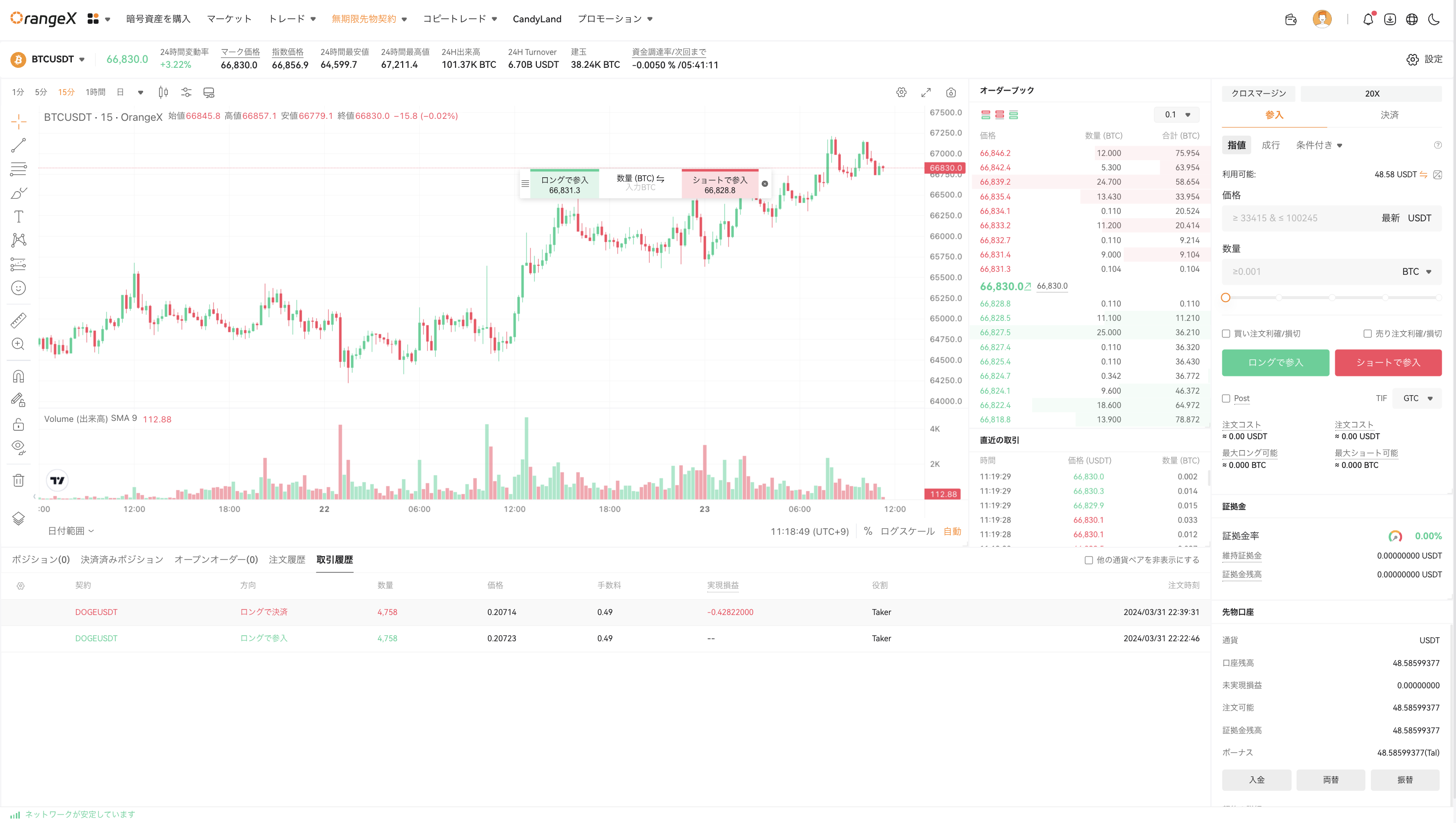
For example, the transaction history will be displayed as shown below.
How to set up with
app
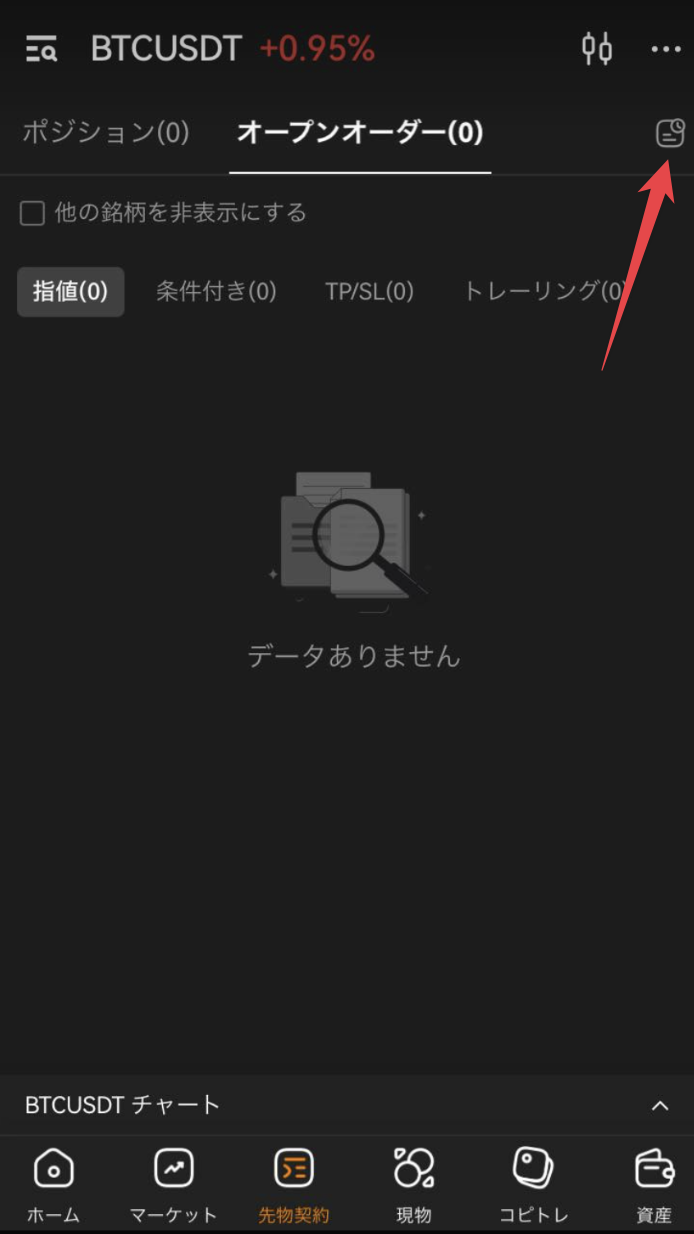
After selecting "Futures Contract" on the bottom screen of the app, scroll the screen and press the transaction history button on the right side of Open orders.
Select Order history and transaction history to view details.