Passkeys vs Authenticator Apps: Compare Phishing Resistance and Recovery
The short answer
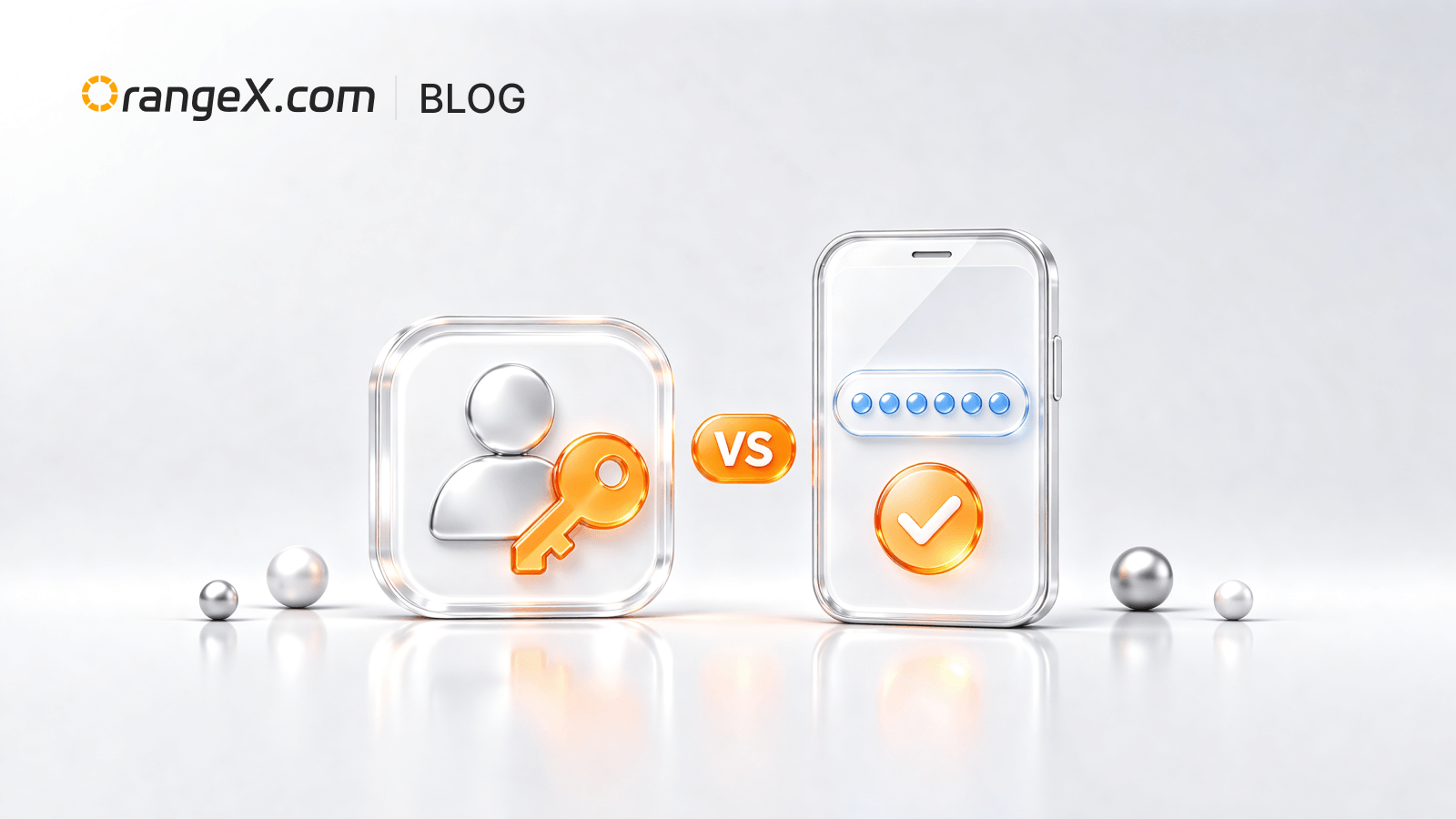
A passkey and an authenticator-app code protect sign-in in different ways. A passkey uses public-key cryptography and is bound to the genuine website or app, so a correctly implemented passkey is resistant to ordinary credential phishing. An authenticator app usually generates a time-based one-time password (TOTP). TOTP is stronger than a password alone, but a user can still type a valid code into a convincing phishing page.
Use the strongest option the service supports, then secure account recovery and the email account connected to it. A strong login method can be undermined by weak fallback or recovery paths.
How passkeys work
When a passkey is created, the service stores a public key and the user’s authenticator keeps the private key. At sign-in, the authenticator signs a challenge for the correct service domain. The private key is not typed into a page or sent to the service.
The user normally unlocks the authenticator with a device PIN, fingerprint, face check, or hardware-security-key gesture. Biometrics stay on the device; the service receives proof that local user verification succeeded, not the fingerprint or face data itself.
Passkeys may be synced through a platform credential manager or bound to one device or hardware security key. Synced credentials improve convenience and recovery, while device-bound credentials can provide stronger separation. The right choice depends on the user’s device model, backup plan, and threat level.
How authenticator apps work
An authenticator app and the service share a secret when TOTP is enrolled. The app combines that secret with the current time to generate a short-lived code. The user enters the code after the password.
TOTP removes dependence on SMS and the phone number, but it is still a manually transferable code. A phishing site can ask for the password and current code, then relay them to the real service before the code expires. TOTP also requires careful handling of the enrollment secret, device migration, backups, and recovery codes.
Compare the trade-offs
| Question | Passkey | Authenticator-app TOTP |
|---|---|---|
| Phishing resistance | Yes, when correctly implemented and domain-bound | No; a code can be relayed |
| Secret entered by the user | No | Yes, the current code |
| Device migration | Depends on synced or device-bound design | Depends on app backup/export method |
| Offline code generation | Not applicable to the same flow | Usually yes |
| Main operational risk | Weak recovery, compromised device or credential-manager account | Phishing, lost seed, unsafe backup, device loss |
Set up either method safely
- Start from a saved official URL or the service’s own app, not a message link.
- Add more than one approved authenticator when the service allows it, such as two passkeys on separate devices or a passkey plus a hardware key.
- Store recovery codes offline and never share them with support contacts or screen-sharing callers.
- Protect the linked email account with a strong, phishing-resistant method where available.
- Review active sessions and remove unknown devices after any suspected compromise.
- Test the recovery path before relying on one phone or one credential manager.
The OrangeX Academy guide to verifying support messages explains how to check the sender, domain, and request before acting. No legitimate support agent should ask for a password, one-time code, passkey approval, private key, seed phrase, or remote-control access.
Which should you choose?
Prefer a passkey when the service supports it and you can maintain a sound backup or secondary authenticator. Use an authenticator app when passkeys are unavailable or when it is the strongest practical option for that account. Do not disable a working protection method until the replacement is enrolled, tested, and recoverable.