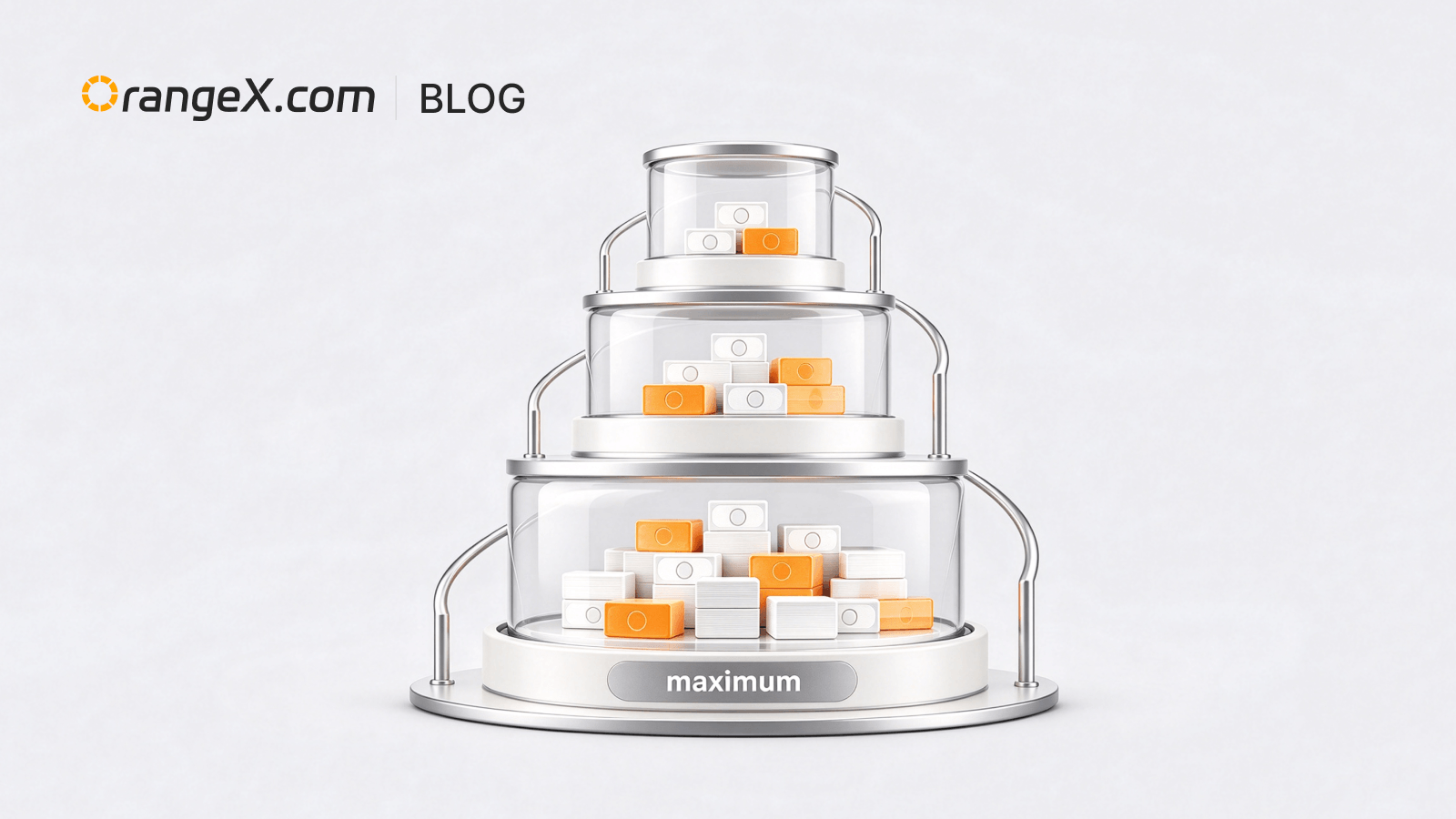
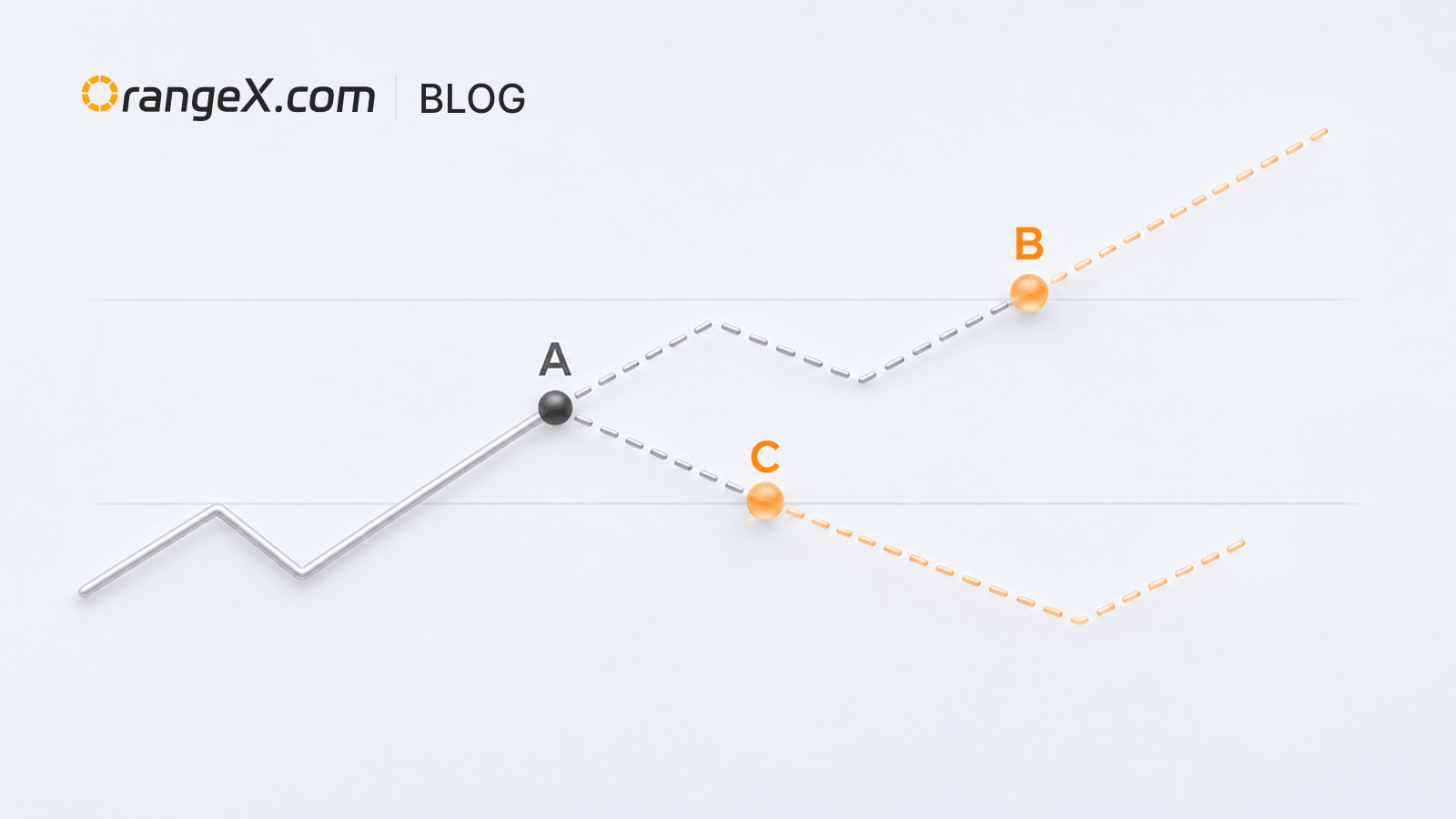
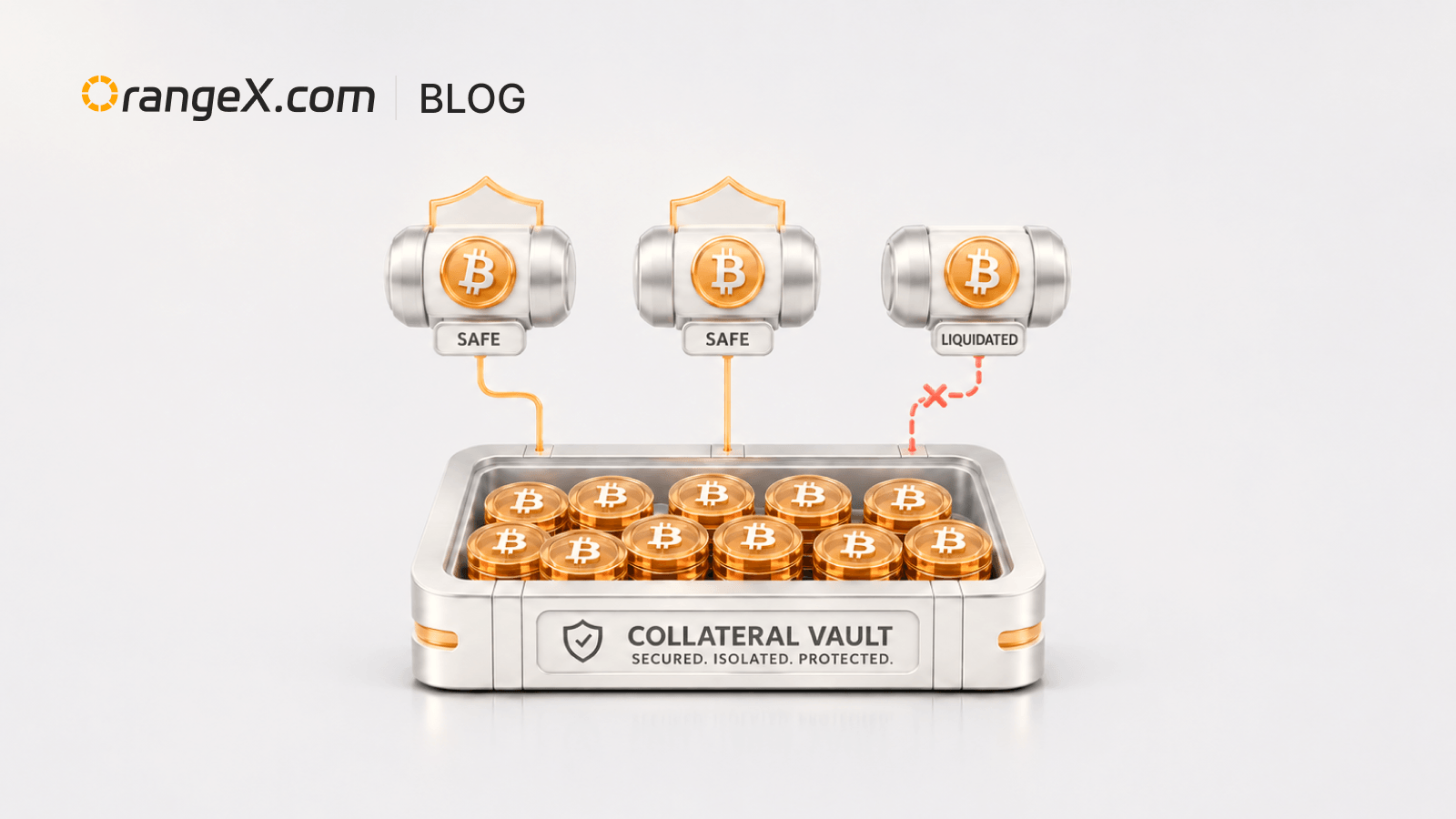
Автоматическое снижение уровня | Подбор доступного плеча при размещении ордера
Обновление продукта
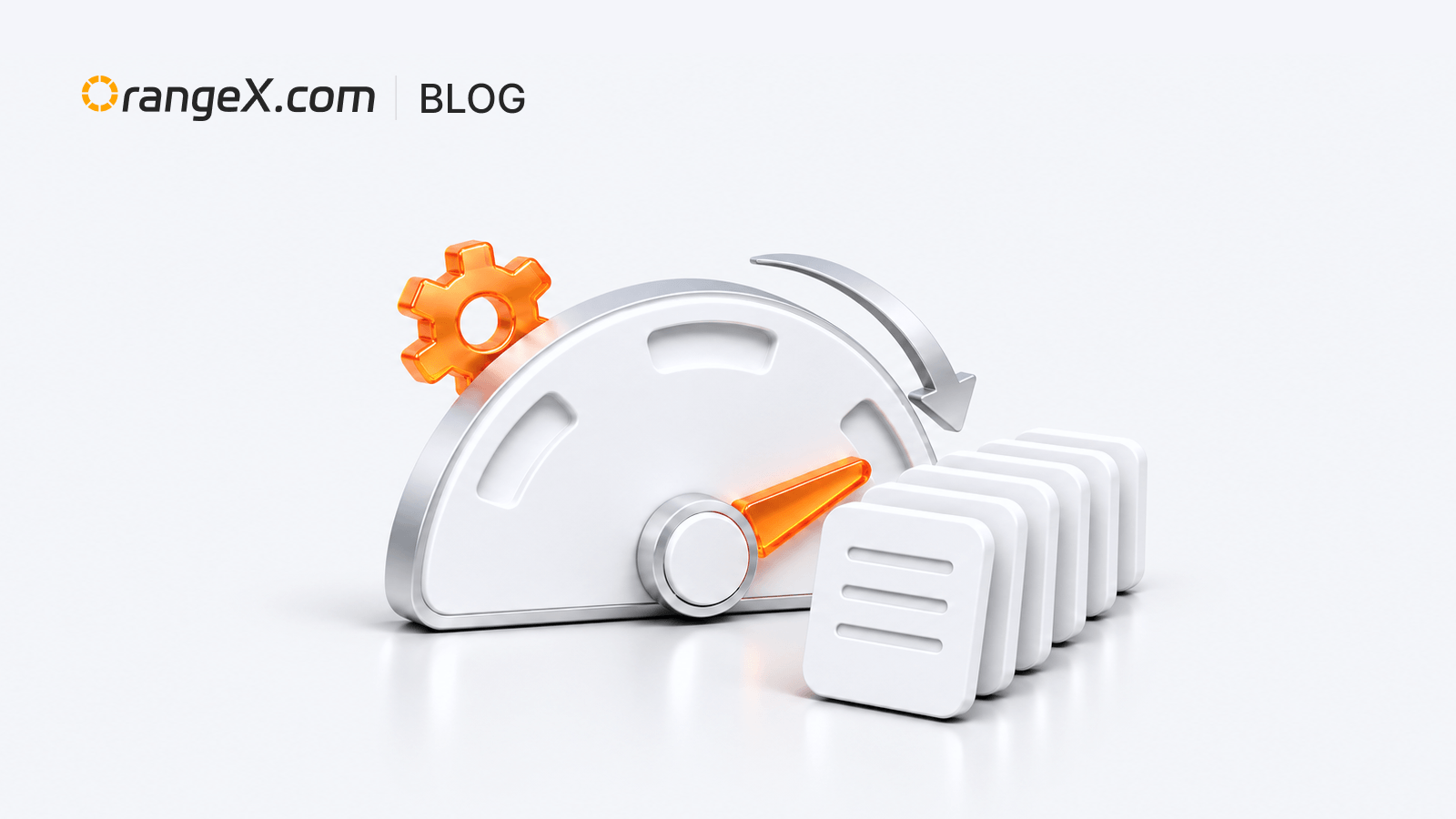
Вход и操作
Enter the futures trading page → click “Trading settings” → find “Automatic Leverage Adjustment” → turn on “Auto Downshift”.
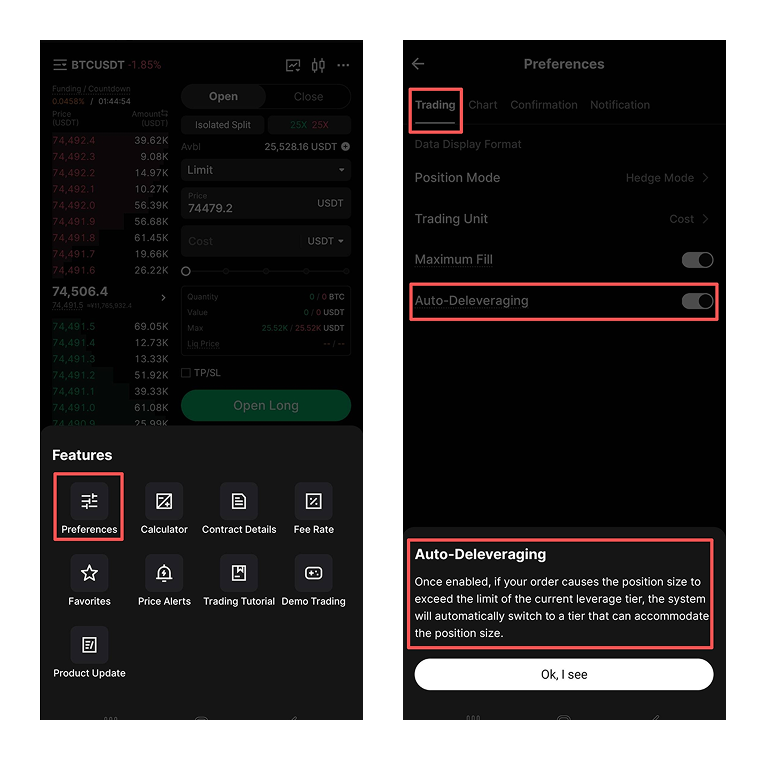
Описание функции
After enabling it, fill in and submit a futures order. When the position size for the order exceeds the current leverage tier limit, an “Auto Downshift” prompt appears. After reading the explanation, click “Confirm”; the system matches an available tier based on the actual order size and continues placing the order. If you click “Cancel”, the order is not submitted.
Примечания по использованию
- Applies only to futures trading. Whether the prompt appears depends on the contract, position size, and order.
- The system adjusts the tier only after you confirm. This does not loosen margin, risk-limit, or other trading rules.